Aside from changing just two major aspects of the device (a slightly faster chip and an upgrade to Bluetooth 6), and to add insult to injury, the Tab S12 Ultra is some $200 pricier… and that exhausts the list of new features. Definitely one of the worst generational "upgrades" I've witnessed in the past decade or so.
Should you even consider this one instead of an iPad Pro, for example?
Apple's large iPad Pro with the M5 chip was released a year ago, and it's actually due for a refresh very soon, but I doubt we'd get any serious upgrades rather than a bump to the Apple M6 chip. To top things off, it's now $100 cheaper to get the entry-level than the entry-level Galaxy Tab S112 Ultra. Crazy times.
Which one of these should you pick, realistically?
Last year, I reviewed the 13-inch iPad Pro with M5, and recently I've spent time with the Galaxy Tab S12 Ultra as my go-to multimedia consumption machine at home, so I know the ins and outs of both these devices. I've spent time using them, benchmarking them, and really trying to understand the reasons for their existence.
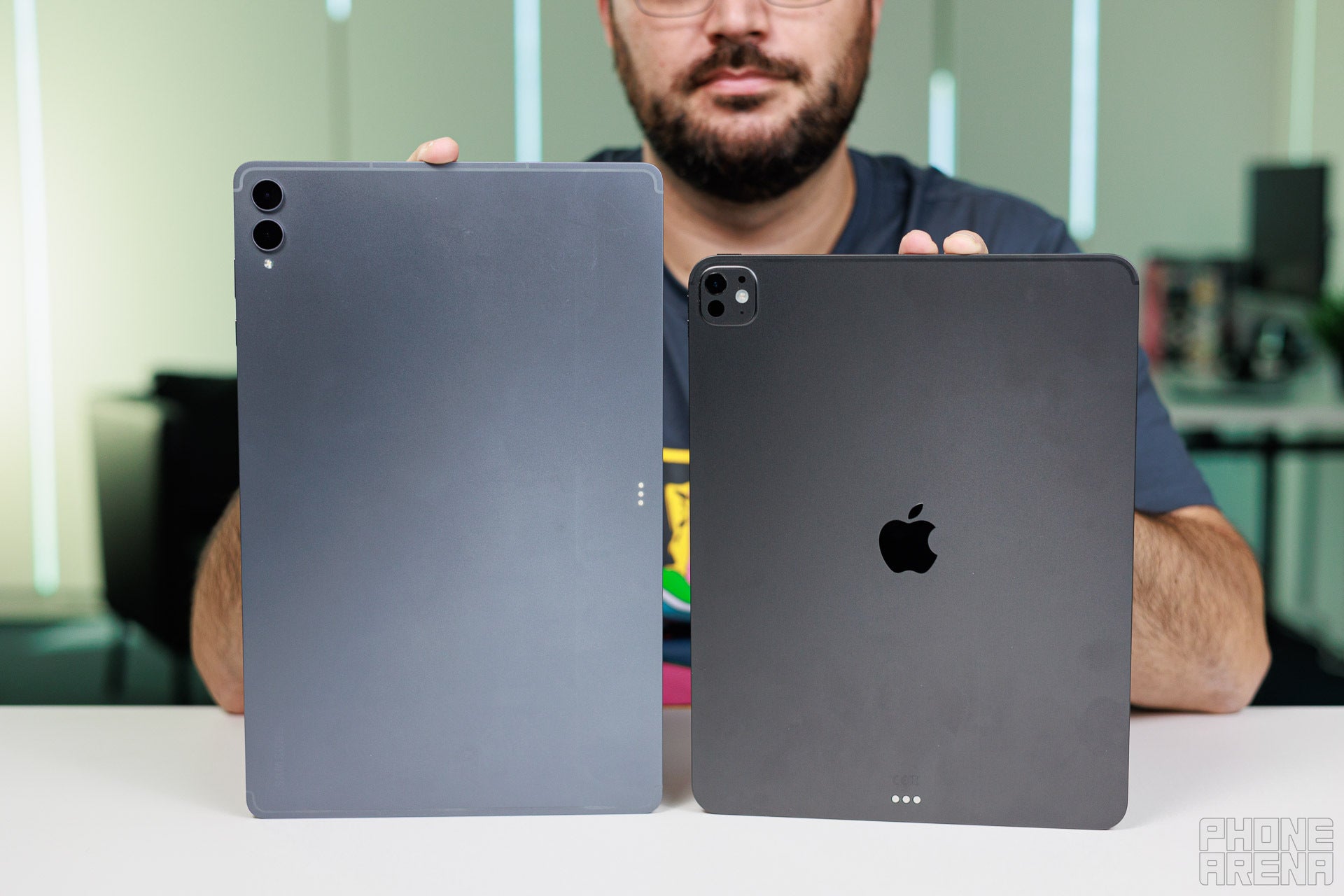
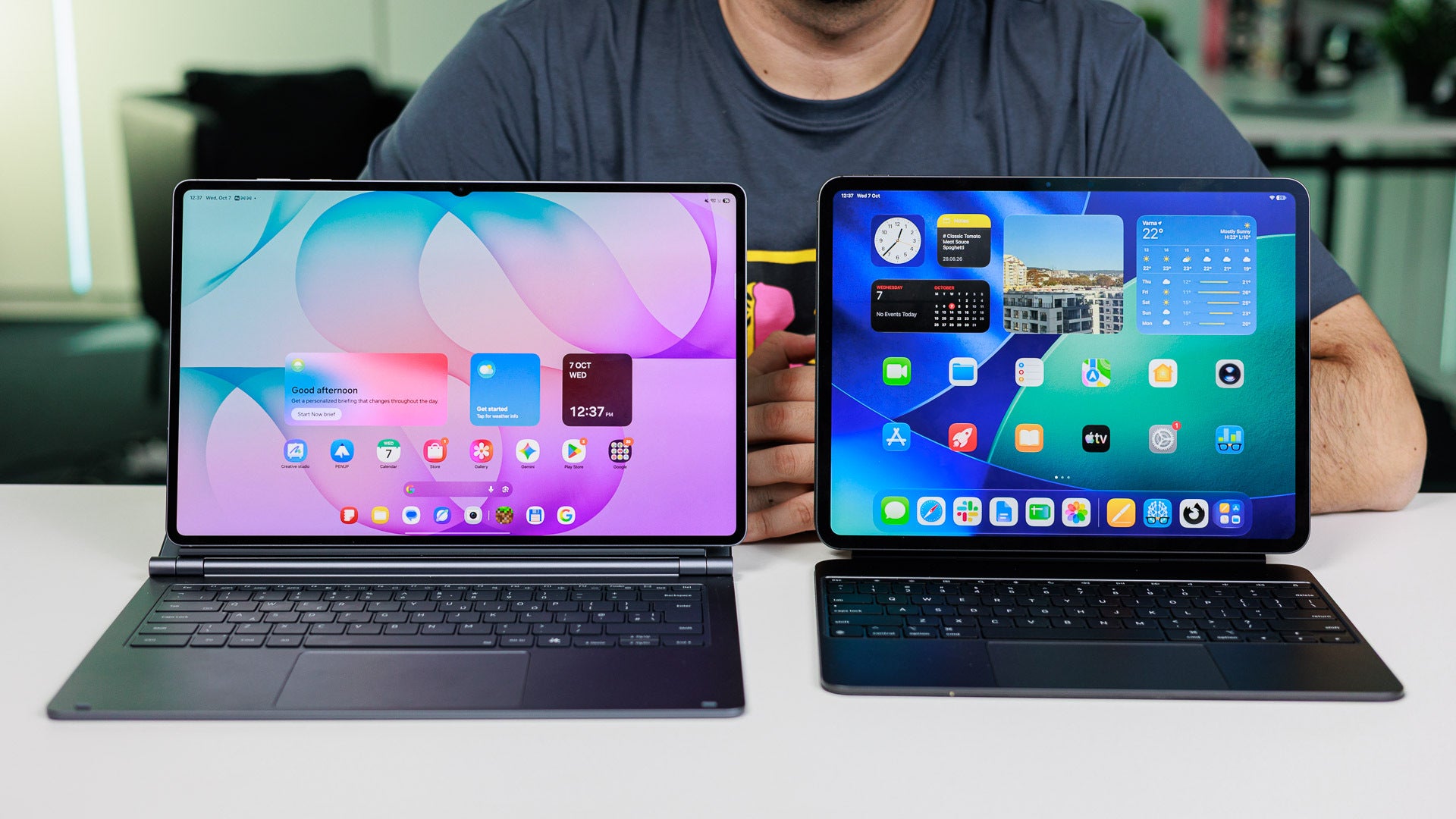
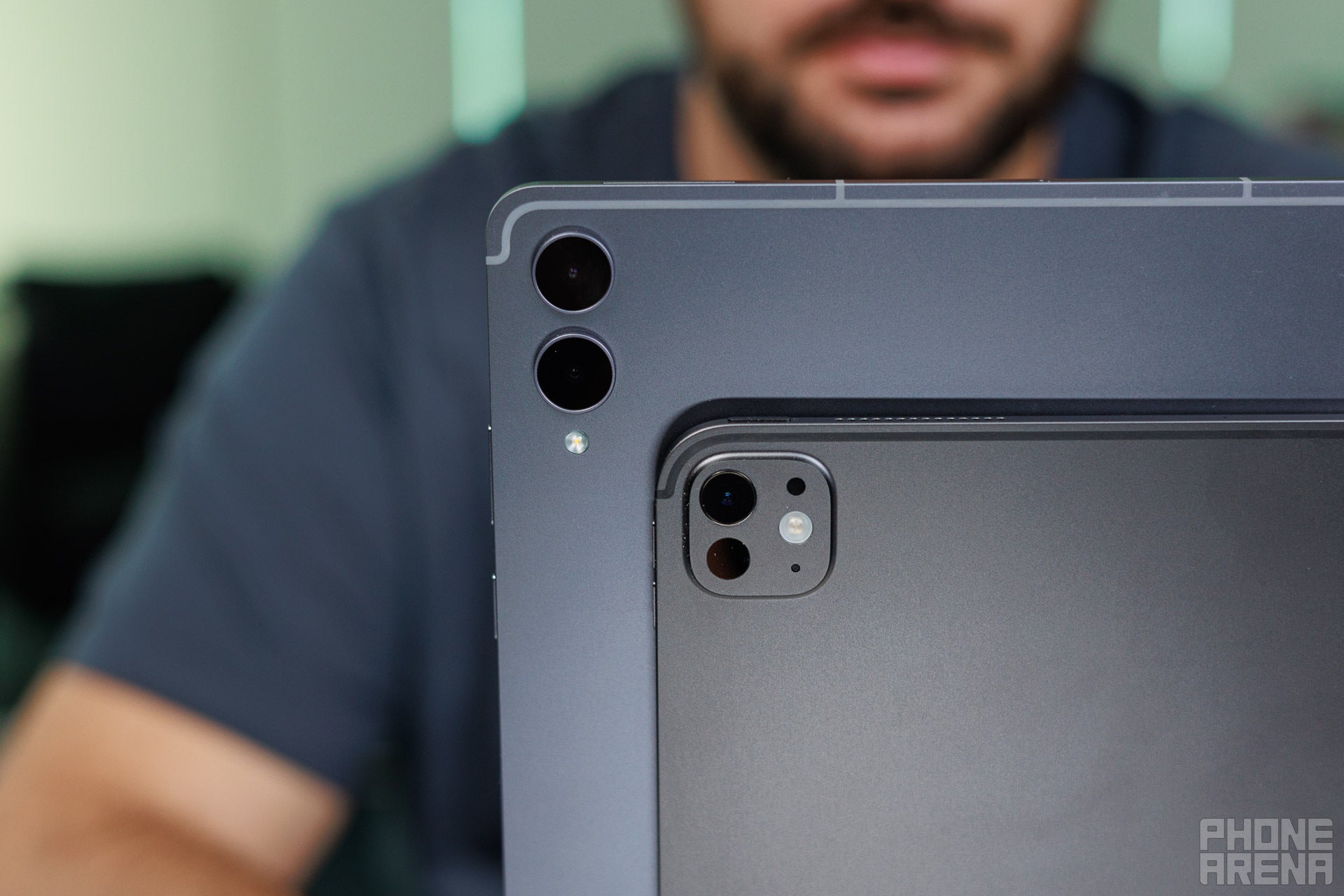
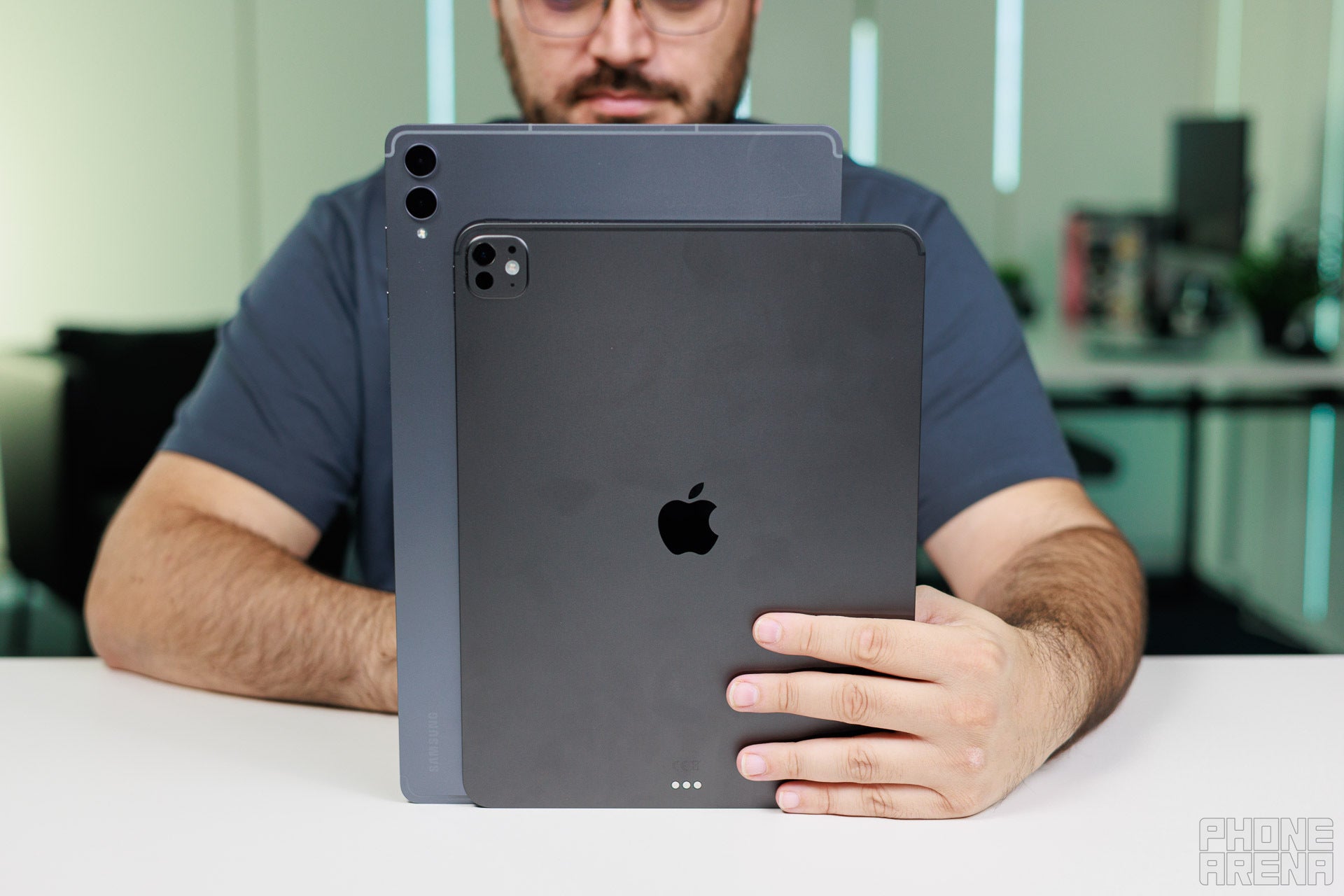
Despite the size differences, both are incredibly similar in most ways. | Image by PhoneArena
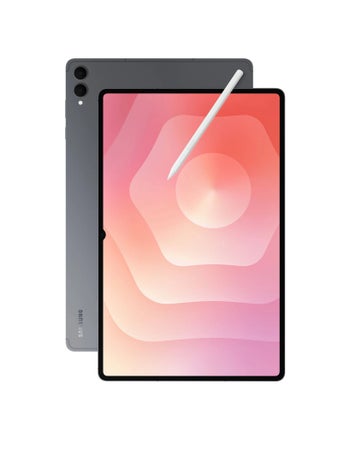
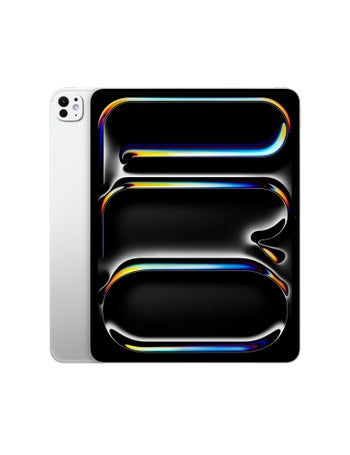
iPad Pros and Galaxy S Ultra devices have amalgamated into the same design language. Thin, aluminum slates with industrial aesthetics, flat frames, slightly rounded corners, and flat displays are common traits of both devices here.
Recommended For You
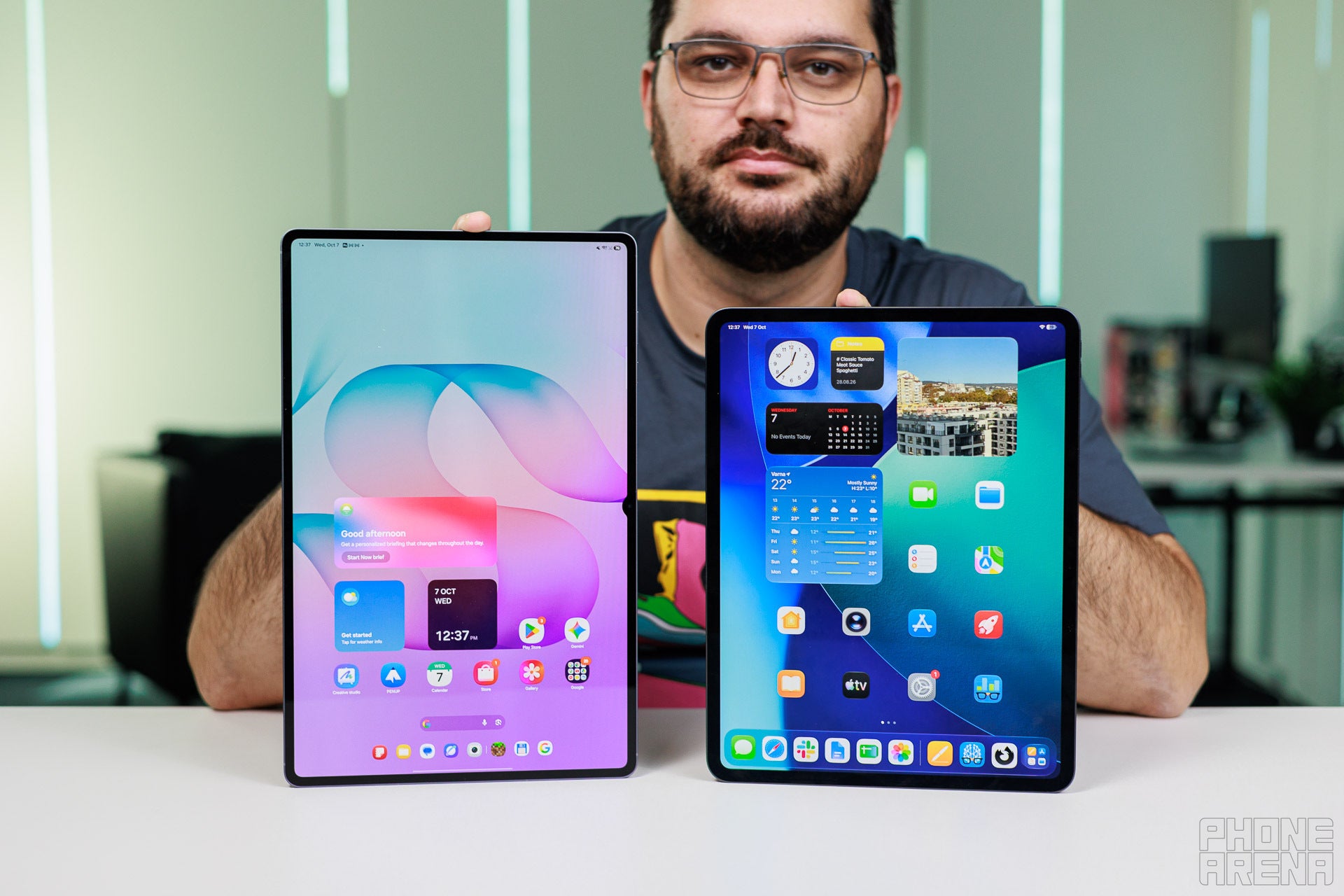
The Galaxy Tab S12 Ultra is obviously the more dramatically larger device that rivals most laptop screens in terms of sheer size with its 14.6-inch 16:10 display, whereas the iPad Pro bets on a chunkier 4:3 aspect ratio making it more suitable for productivity tasks.
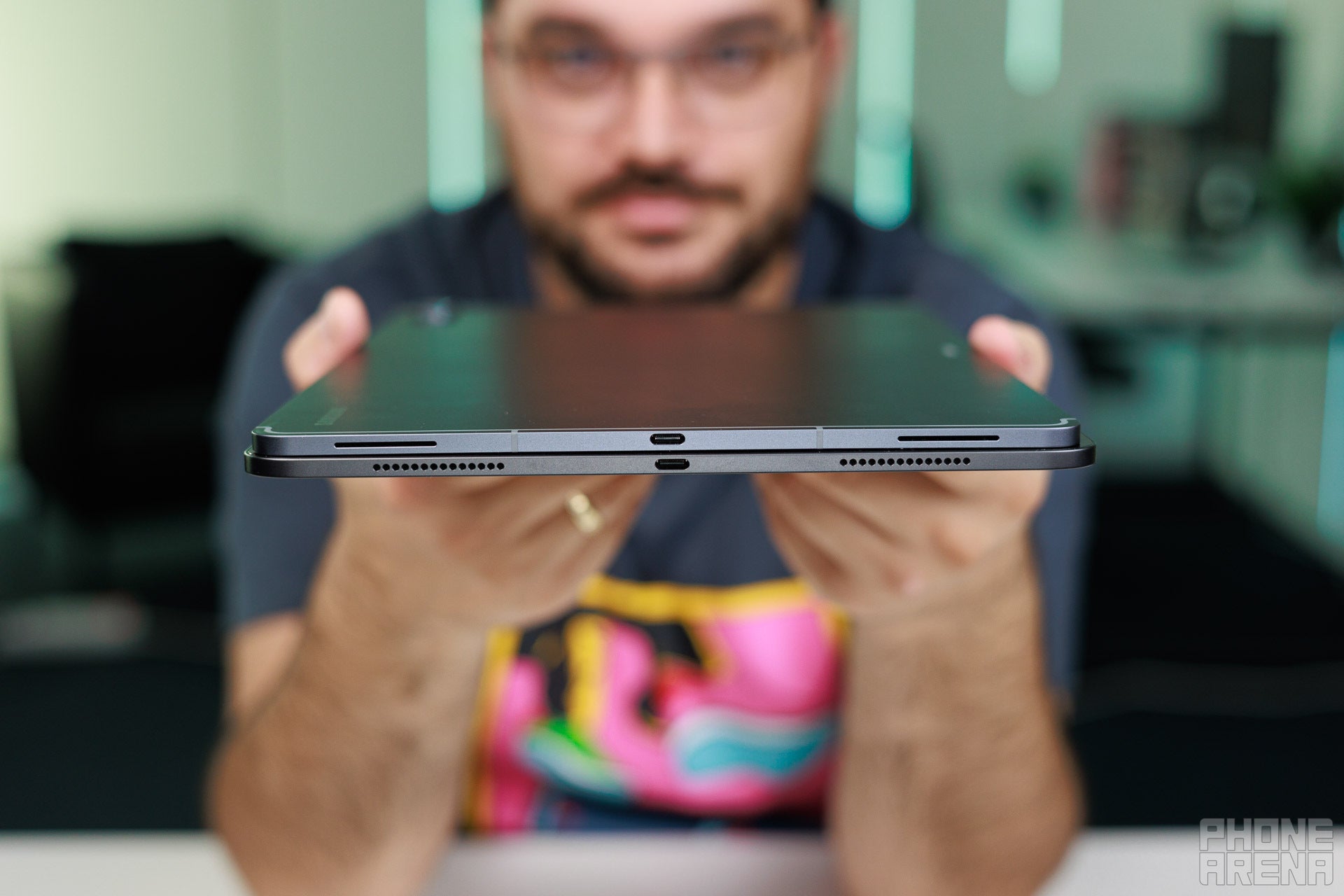
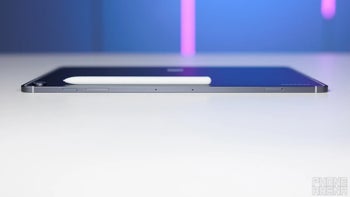
Both tablets are marvels of industrial design. Extremely thin at 5.1 mm, but with a proper advantage for the iPad in terms of weight: it's more than a 100 grams lighter, making it easier to handle.
Thin is in. | Image by PhoneArena
The displays are the real differentiating factors here, and I'd argue the aspect ratio is the most critical reason why you should choose one over the other.
Intend to use your tablet for multimedia like TV shows or movies? Pick the Tab S12 Ultra for its 14.6-inch Dynamic AMOLED screen, which has minimal letterboxing and makes any form of video absolutely enjoyable to watch.
Only care about productivity, like note-taking, general browsing, and photo or video editing on the device? The iPad Pro is your best bet thanks to its more sensible 4:3 aspect and the better suite of powerful software available for professionals.
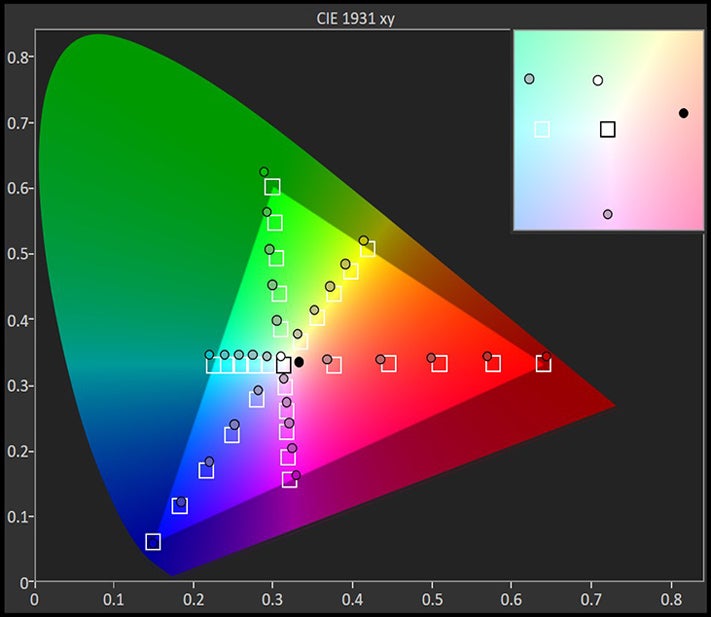
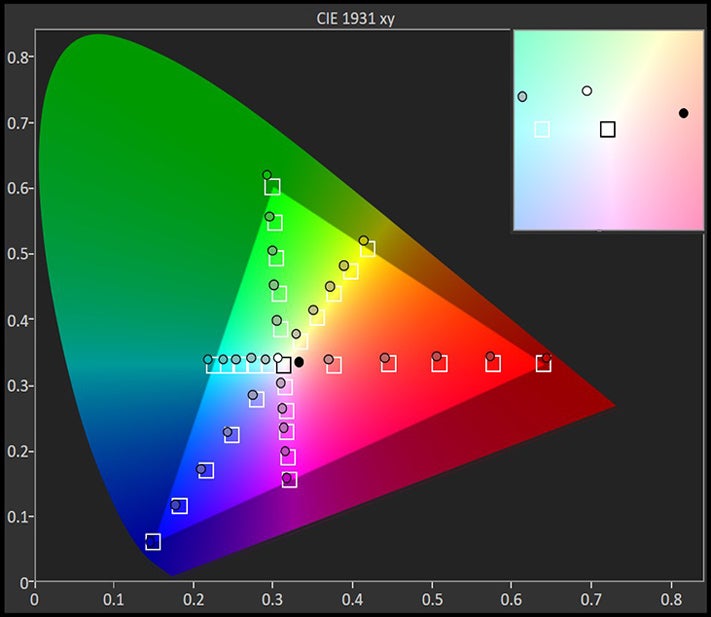
The CIE 1931 xy color gamut chart represents the set(area)of colors that a display can reproduce,with the sRGB colorspace(the highlighted triangle)serving as reference.The chart also provides a visual representation of a display's color accuracy. The small squares across the boundaries of the triangle are the reference points for the various colors, while the small dots are the actual measurements. Ideally, each dot should be positioned on top of its respective square. The 'x:CIE31' and 'y:CIE31' values in the table below the chart indicate the position of each measurement on the chart. 'Y' shows the luminance (in nits) of each measured color, while 'Target Y' is the desired luminance level for that color. Finally, 'ΔE 2000' is the Delta E value of the measured color. Delta E values of below 2 are ideal.
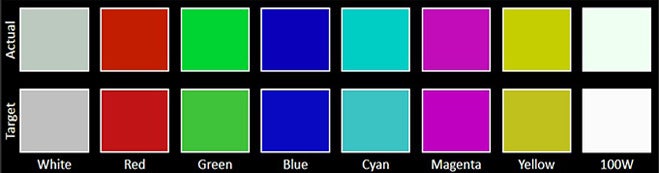
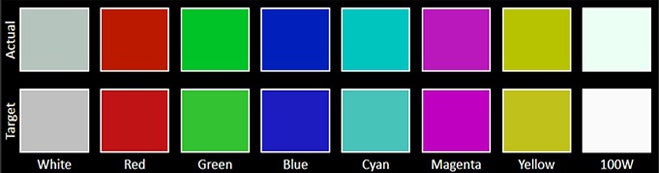
The Color accuracy chart gives an idea of how close a display's measured colors are to their referential values. The first line holds the measured (actual) colors, while the second line holds the reference (target) colors. The closer the actual colors are to the target ones, the better.
The Grayscale accuracy chart shows whether a display has a correct white balance(balance between red,green and blue)across different levels of grey(from dark to bright).The closer the Actual colors are to the Target ones,the better.
In terms of display properties, the iPad Pro has a slightly higher peak brightness, as well as significantly lower delta E in grayscale, meaning neutral gray tones and black-to-white transitions show virtually no tinting. Unfortunately, the iPad Pro has an average color accuracy over saturated hues.
On the upside, the Galaxy Tab S12 Ultra delivers much better color reproduction across the color spectrum, making it a gem to look at. Its grayscale accuracy is far from ideal, however, meaning it deviates from the ideal depiction of target gray hues.
The iPad Pro relies on Face ID for biometrics, while the Galaxy Tab S12 Ultra gives you 2D face unlock in a combination with an optical fingerprint scanner. Either one works absolutely fine in the same context; you'll have zero qualms with either one.
Keyboard and Stylus
Both devices can be outfitted with optional keyboard accessories that elevate them to proper ARM laptops, so to speak, and totally bridge the gap to standard laptop computers.
The iPad Pro's Magic Keyboard and the Galaxy Tab S12 Ultra's Pro Keyboard deliver a familiar scissor-key experience that most premium laptops out there deliver. This gets you short travel, decent feedback, and confident typing. That said, I can't help but notice that the Magic Keyboard feels crispier and less spongy, which certainly elevates it in my eyes (and fingers).
Other than that, both keyboards are quite useful, especially considering their large trackpads that allow for gesture navigation and precise interaction with the on-screen mouse pointers.
There's another key reason why I like the Magic Keyboard that much more, though. It has a dedicated USB-C port on the side of the hinge, which lets you enjoy seamless passthrough charging to the tablet, while Samsung's Pro Keyboard lacks this essential port. The only way to charge the Galaxy Tab with the keyboard attached is by using its own USB-C port, which limits the functionality and doesn't look great.
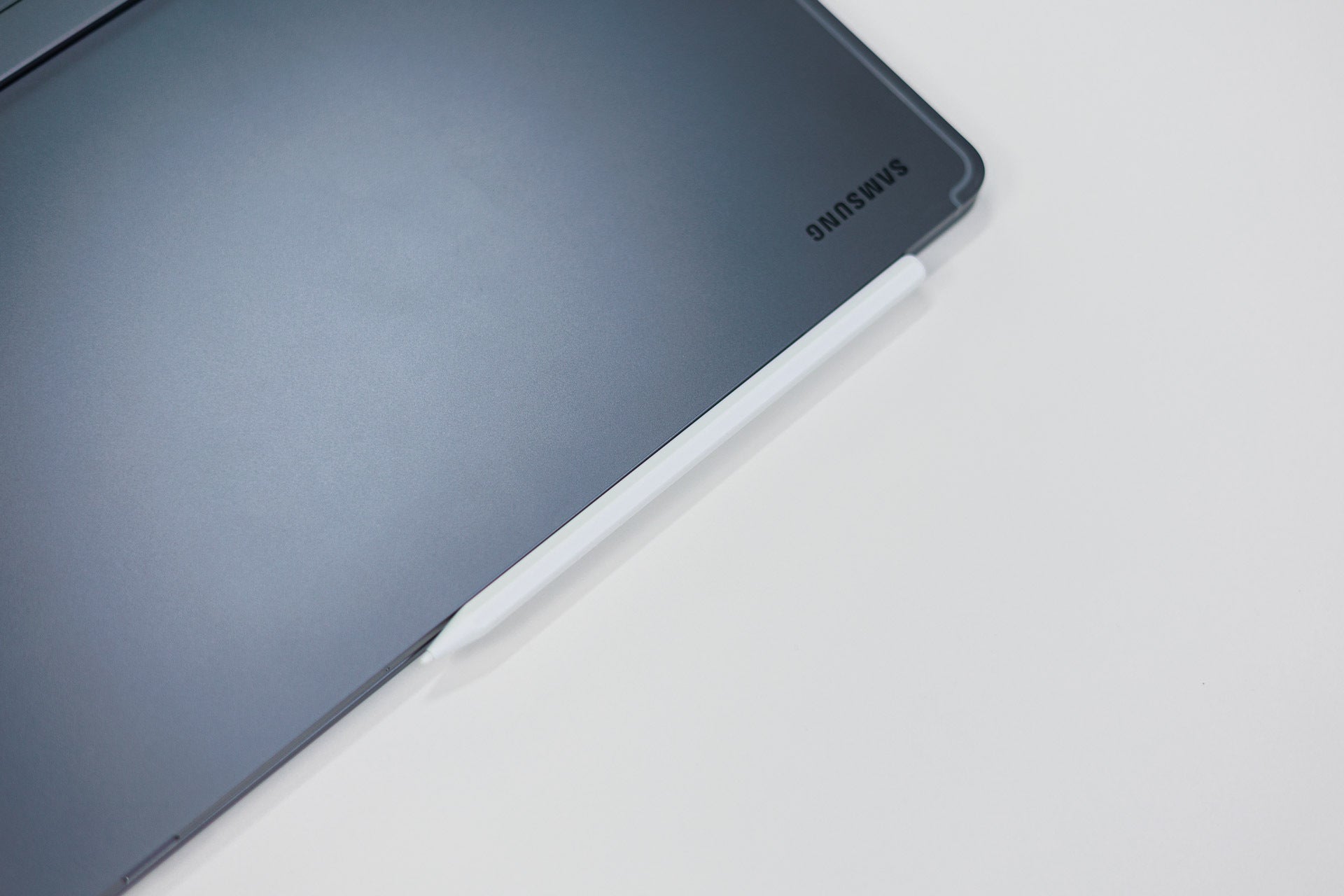
The stylus attaches to the side of theTab S12 Ultra. | Image by PhoneArena
The Galaxy Tab S12 Ultra comes with its own S Pen in the box. Sure, it's not the best stylus I've used, but it comes with the device itself and is more than enough for all the basics you might need it. It's got a pretty decent pressure sensitivity, but sadly, no Bluetooth––it's completely passive.
The iPad Pro is compatible with either the Apple Pencil Pro or the more affordable Apple Pencil with USB-C, and either one of those is a great addition for this tablet.
Performance & Benchmarks
No contest
The Galaxy Tab S12 Ultra is outfitted with the MediaTek Dimensity 9500 chip, a slight step-up from the Dimensity 9400+ that Samsung used on its previous large tablet. The performance here is absolutely decent for standard everyday tasks and even heavy gaming, as the large size of the tablet helps it dissipate heat very nicely away from the chipset enclosure.
However, leave it to the iPad Pro to deliver in terms of performance thanks to its desktop-grade Apple M5 chip. This one easily smokes out the Dimensity in both peak and sustained performance, as well as efficiency.
The Geekbench 7 results pretty much speak for themselves. It's a one-horse race for the iPad.
AI-QuantizedHigher is better
Samsung Galaxy Tab S12 Ultra4797
Apple iPad Pro 13-inch(M5,2025)7629
AI Quantized: This test measures how efficiently your phone's 'brain' handles AI tasks, ensuring that features like live translation and smart photo editing feel instant and fluid without draining your battery.
Wild Life Extreme is a heavy graphics workload used to measure a device's sustained GPU performance and thermal throttling. It uses older mobile rendering techniques and is friendly to older or lower-end mobile devices.
Steel Nomad Light Stress Test: Measures your phone's 'gaming stamina' by comparing its peak speed (High) against its throttled speed after it heats up (Low), revealing whether your performance will stay smooth or start lagging during a long session. It loads heavier, more modern effects than Wild Life Extreme and is more in line with current games.
Ray Tracing: The test measures Ray Tracing performance because this advanced technology creates the hyper-realistic reflections and shadows found in next-gen titles like Arena Breakout. Even if you don't play games with ray tracing, a high score here means your phone has a 'best-in-class' cooling system.
The gap in GPU performance is also astonishing. The iPad Pro beats the Galaxy Tab S12 Ultra in both light, medium, and heavy benchmark tests, leaving no doubt which one's the better equipped gaming machine out of these two.
Both the Galaxy Tab S12 Ultra and the iPad Pro M5 13-inch come with 12 GB of RAM in their 256 and 512 GB versions. The 1 TB variants pack 16 GB of the precious stuff, and the iPad can even be outfitted with 2 TB of storage. The Galaxy tablet has a microSD card, though, a useful addition to the mix that lets you expand your storage cheaper than what Samsung would overcharge you.
Gaming performance
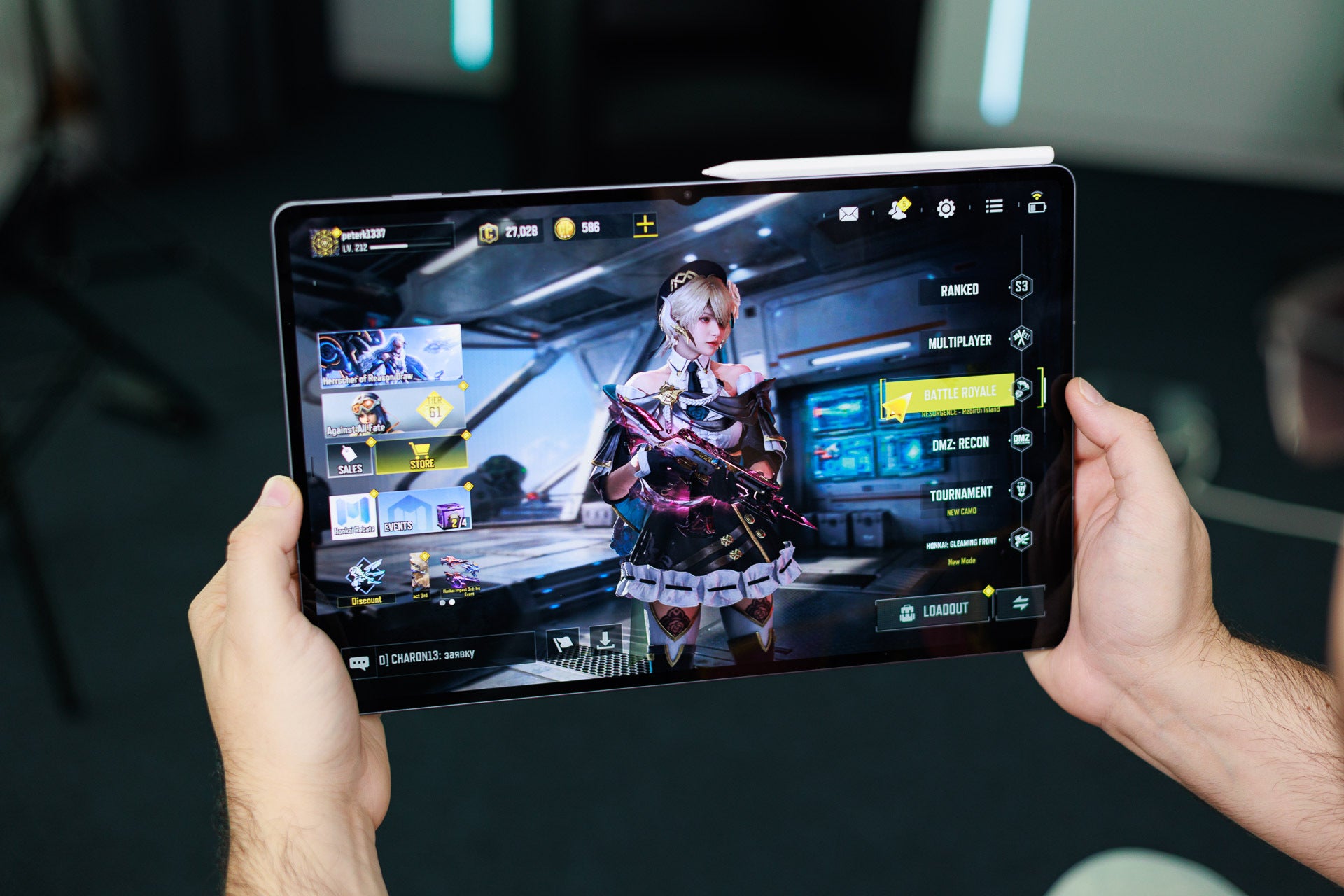
Either tablet is excellent for gaming. Although the iPad gives significantly better performance, I'd still pick the "weaker" Galaxy Tab S12 Ultra as its display makes a bit more sense for gaming to me as I am used to 16:10/16:9 screens for gaming.
Gaming on the Galaxy Tab S12 Ultra is a bit more enjoyable due to the larger and better-proportioned screen. | Image by PhoneArena
Software
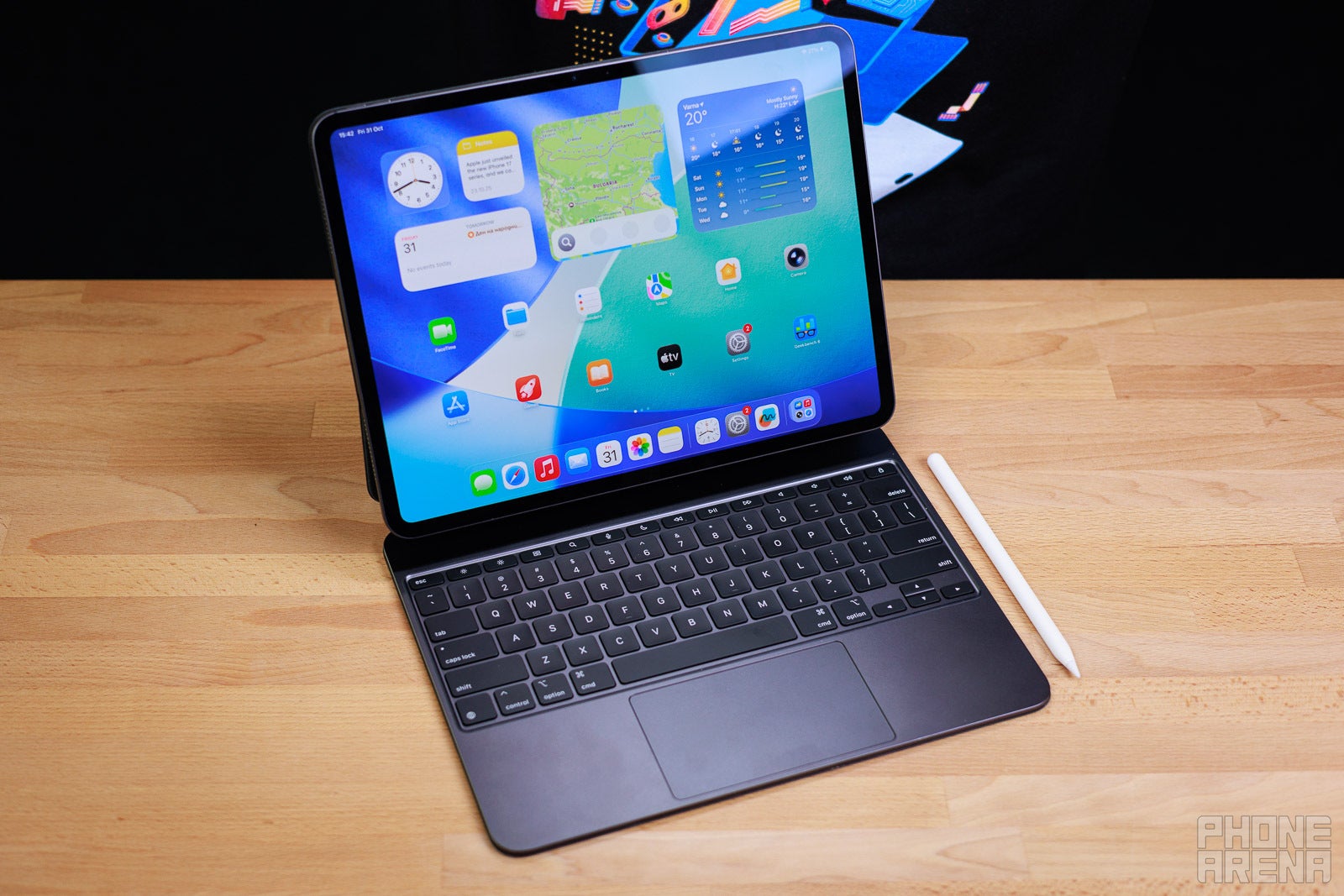
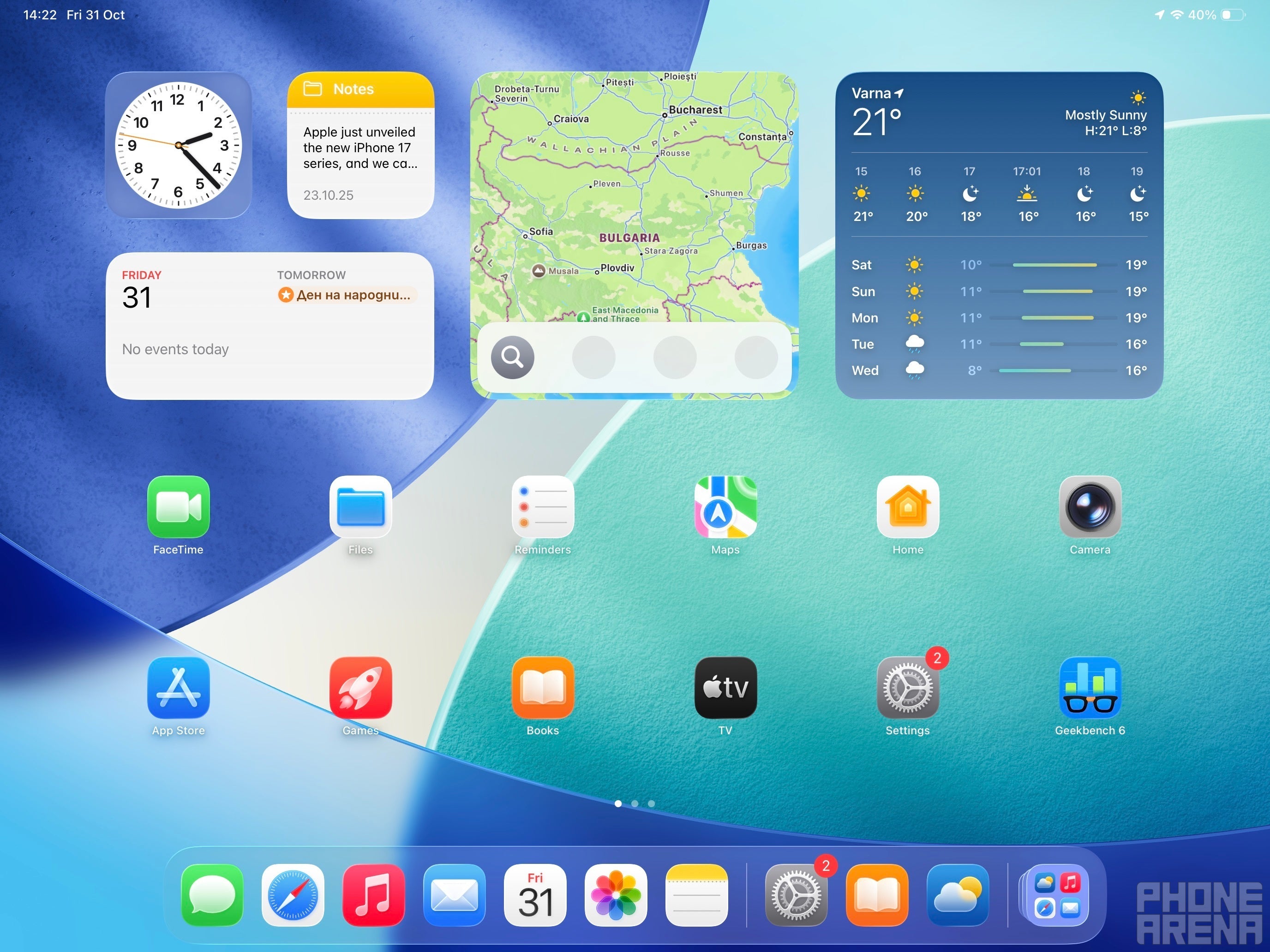
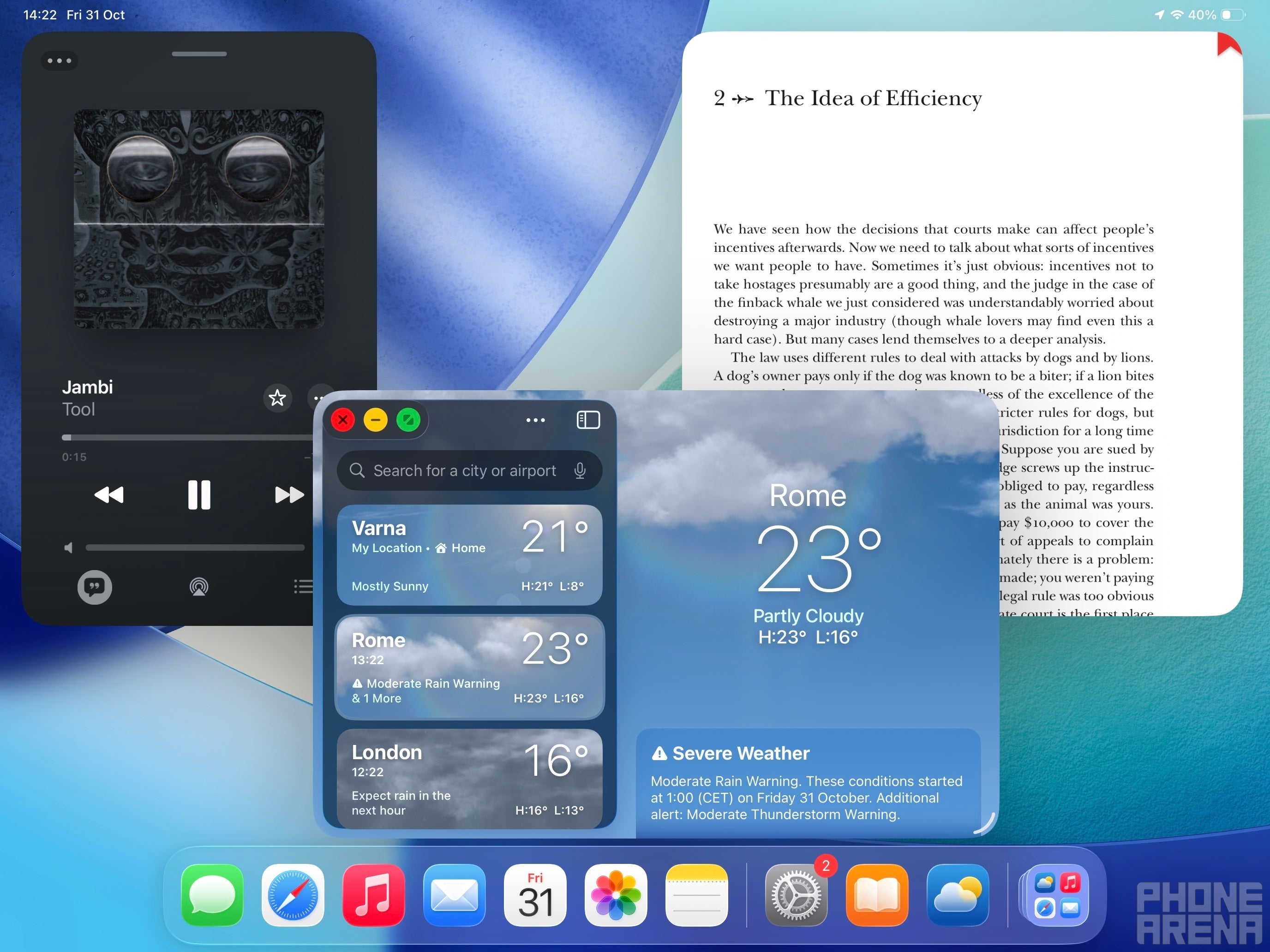
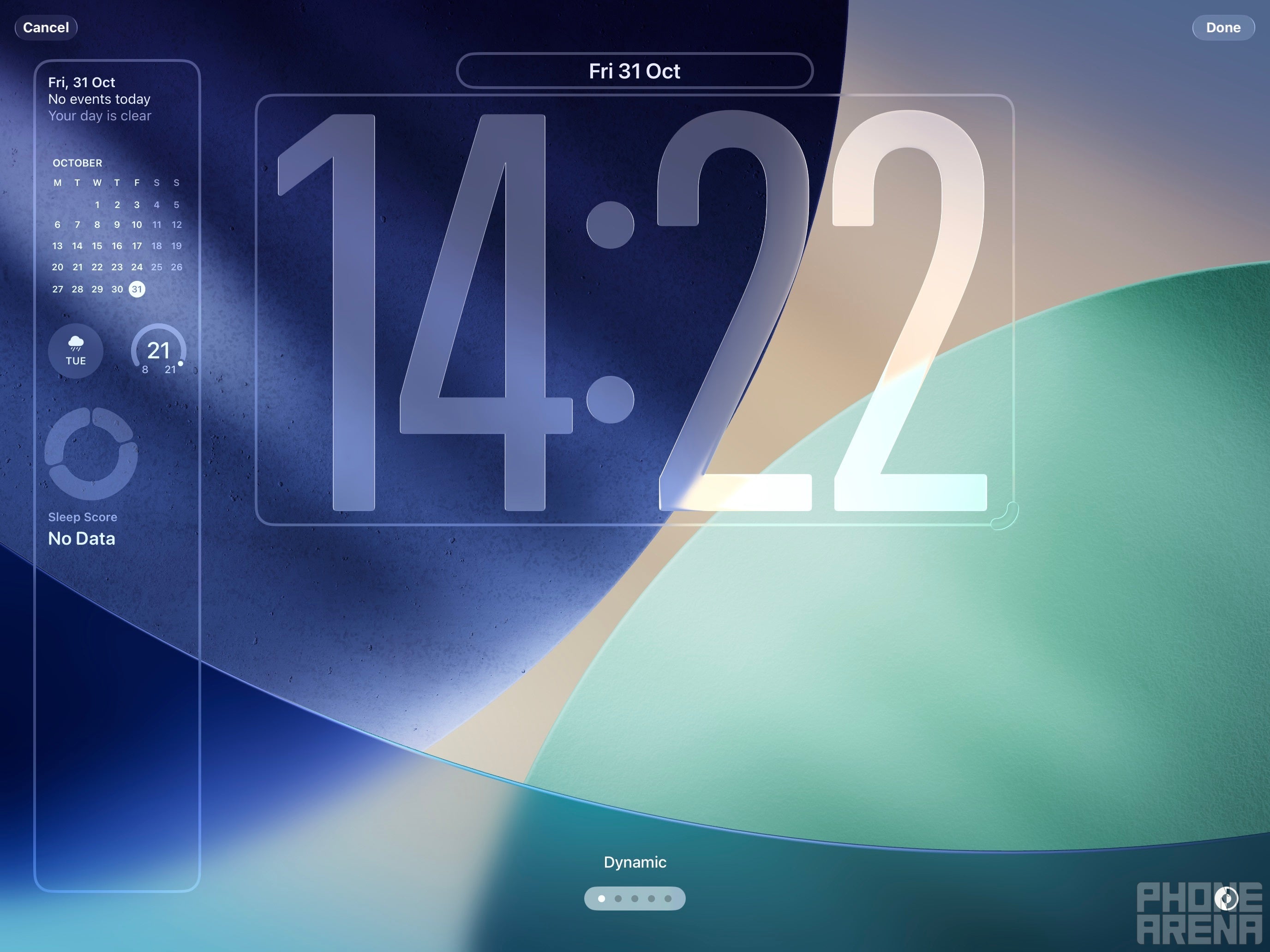
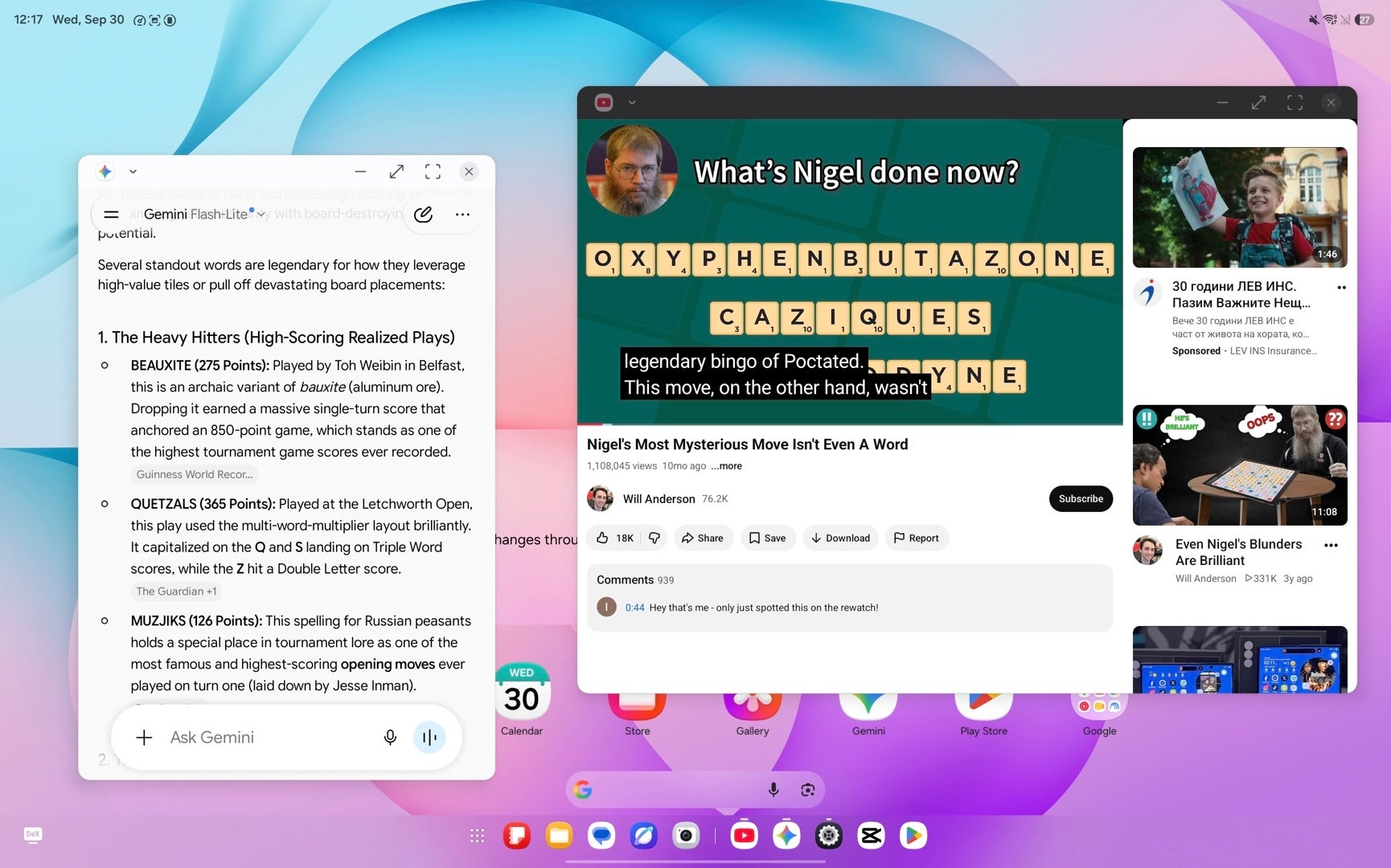
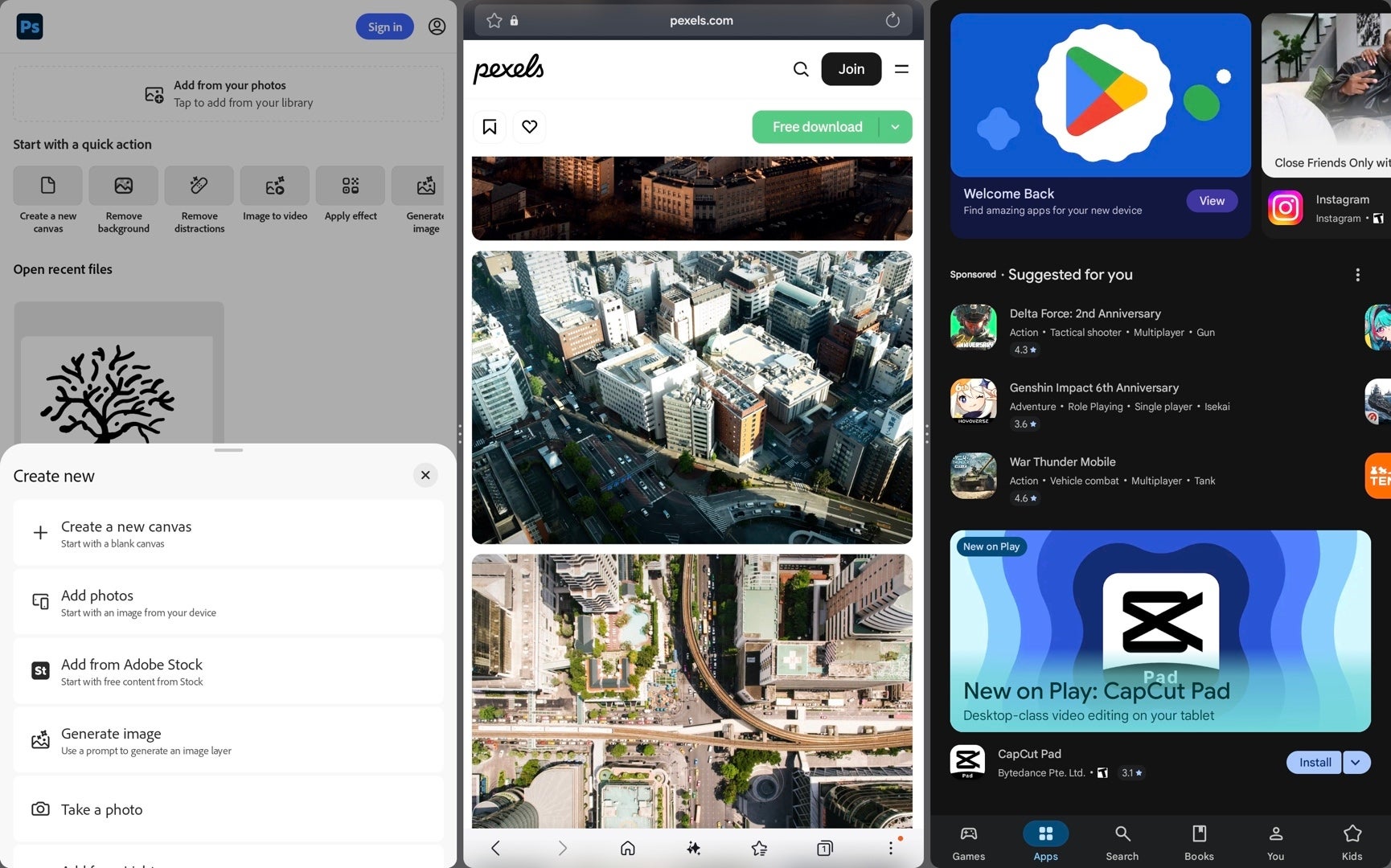
The iPad Pro now comes with iPadOS 27, which aims to resolve the issues delivered by last year's Liquid Glass-debuting iPadOS 26. It's a decent update that aims to address bugs and issues while slightly backtracking on the Liquid Glass itself by introducing a slider for its intensity.
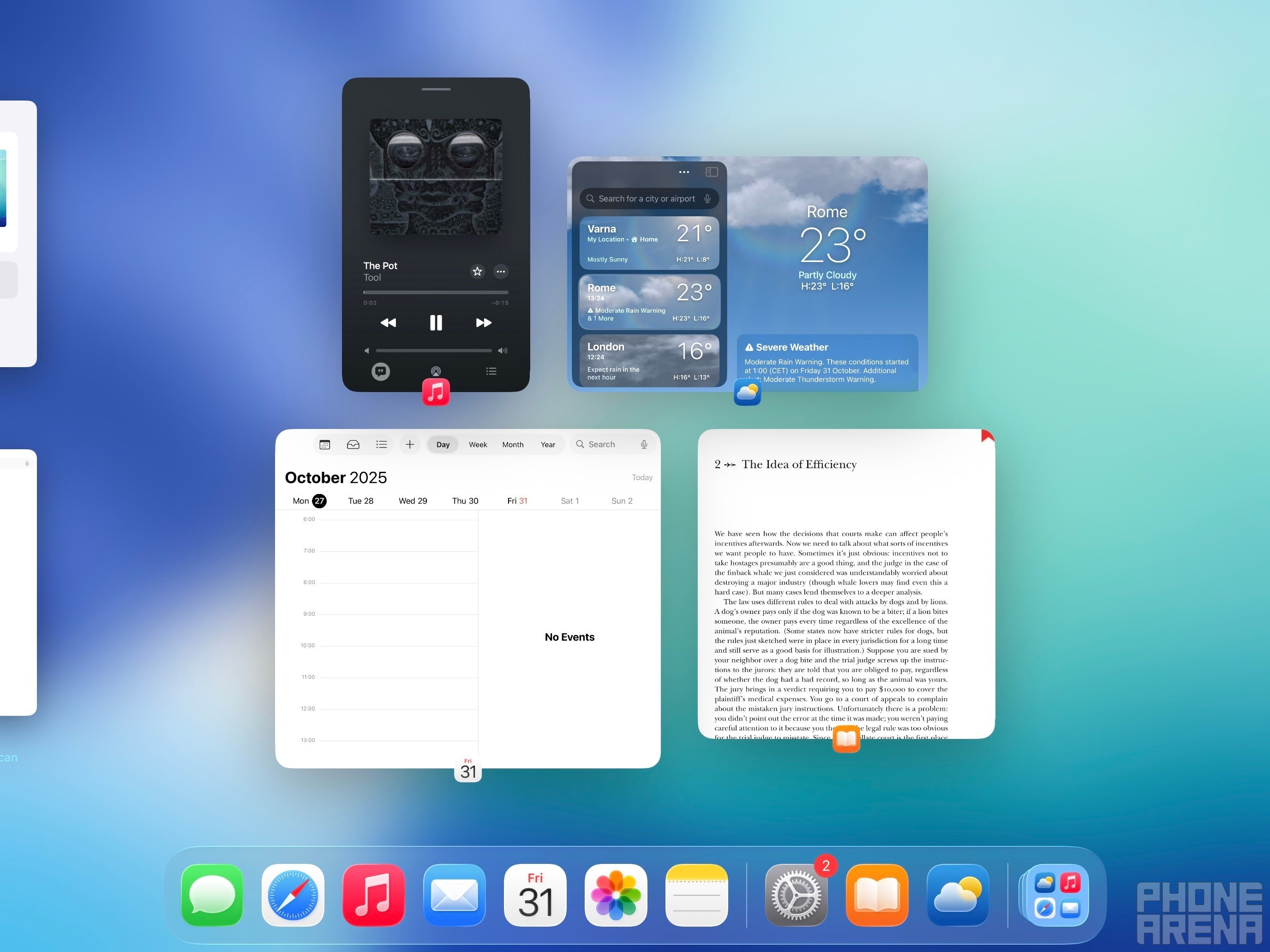
iPadOS is still the limiting factor of the iPad. | Images by PhoneArena
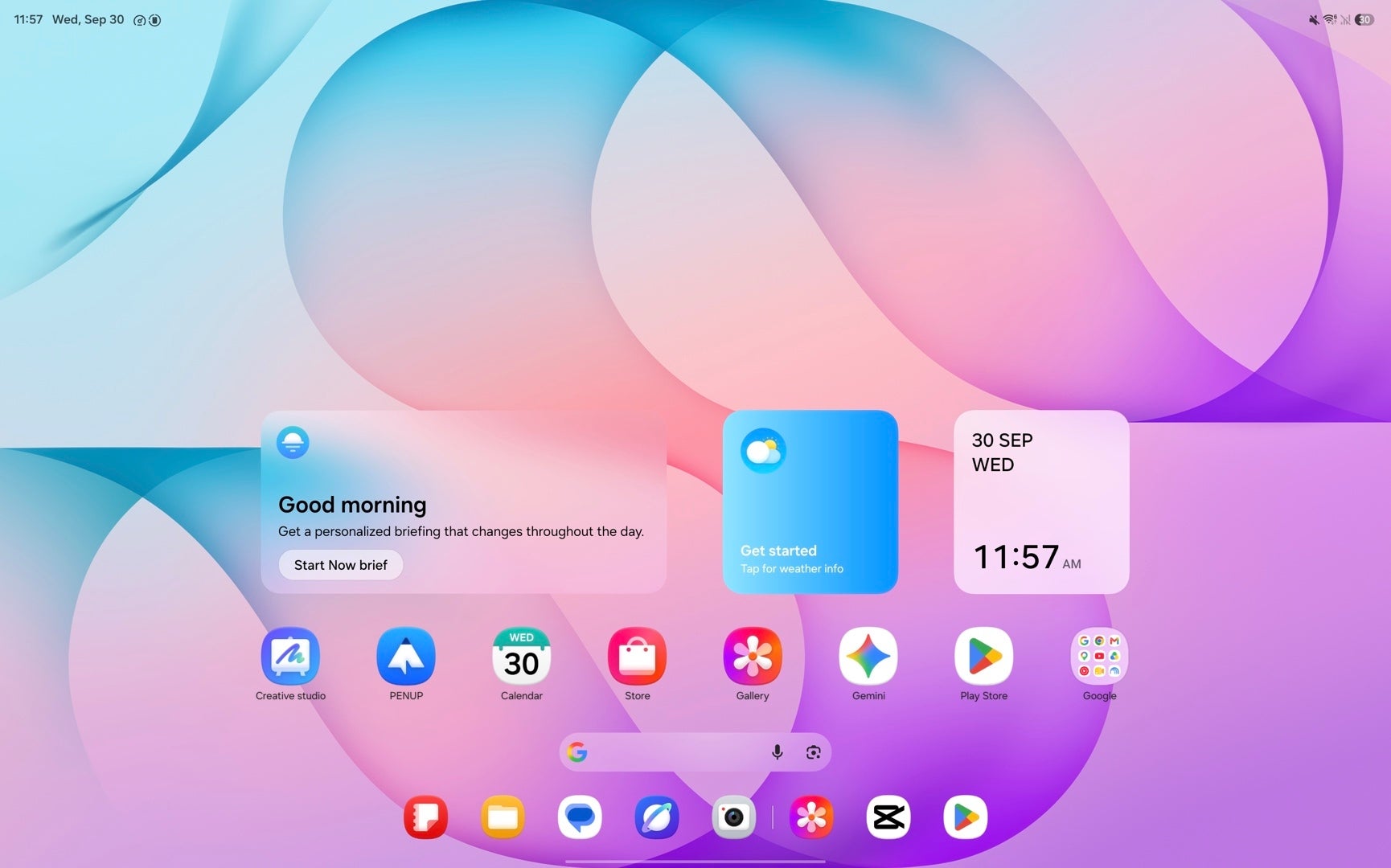
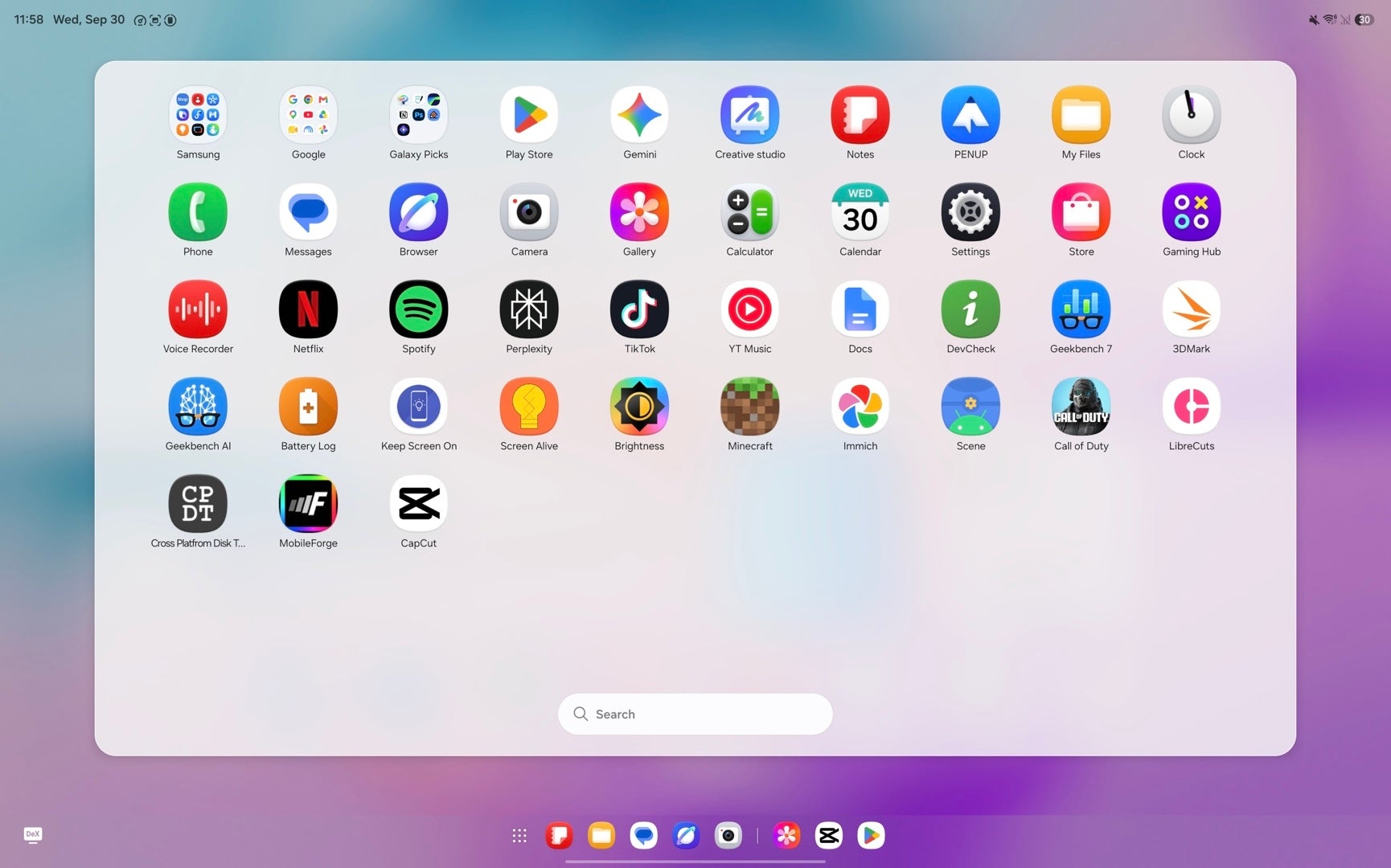
Meanwhile, the Galaxy Tab S12 Ultra comes with One UI 9 and Android 17, but sadly, Samsung hasn't implemented the most crucial new Android 17 feature––App Bubbles. These let you open up to five apps in Messenger-like bubbles and easily juggle between them, which is one extra multitasking feature that made the most sense for tablets. Sure, Samsung has its multitasking features, but neither is as intuitive as Google's vanilla implementation.
One UI 9 lacks the most important Android 17 feature. | Images by PhoneArena
In terms of AI, Apple Intelligence and Galaxy AI make the cut on both high-end tablets. I'd argue neither suite delivers anything valuable to the user experience other than modern-day bloatware.
The only major difference here is that Siri is now a chatbot like Gemini and ChatGPT, so you can use it like those popular AI apps.
Audio Quality
Both tablets deliver wonderful audio thanks to their quad-speaker setups. The iPad Pro sounds bassier and has a slightly larger soundstage, but the Galaxy Tab has slightly better high-frequency response. Limited by the tiny internal space, however, bass is somewhat lacking if you compare either of these with their predecessors from a few years back.
Neither tablet has haptic feedback.
Battery and Charging
The Galaxy Tab S12 Ultra charges faster. | Image by PhoneArena
The iPad Pro is equipped with a smaller 10,290 mAh battery than the Galaxy Tab S12 Ultra's 11,600 mAh cell, but its more efficient chip delivers better battery life. The main difference is in our web browsing test, where the iPad delivers ~50% better battery endurance.
While both deliver around nine hours in our video playback test, the Galaxy triumphs in the gaming test where it achieves over eleven hours versus the iPad's eight.
In real life, each of these will comfortably last you a day of heavy use or multiple days of lighter use.
The Galaxy has 45 W wired charging against the iPad Pro's 60 W, but in our tests, the Galaxy charges faster. While a 30-minute charge will get you more battery on the iPad, the charging curve drops into freefal after that, so in total, the Galaxy ends up with a 100% charge faster here.
Camera
Decent for tablets
Image by PhoneArena
Camera performance is probably the last reason you'd want to use a tablet, but in the off-chance you have to capture a photo of something, neither of these two would disappoint. Sure, don't expect wonders, but there's nothing inherently wrong with the camera setup of either device. You'll get decent dynamics, okay detail, and nice colors, which is all that matters.
iPad Pro 13-inch M5 camera samples. | Images by PhoneArena
Galaxy Tab S12 Ultra camera samples. | Images by PhoneArena
When it comes to front-camera video, I'd definitely pick the iPad. Not because of the quality, but thanks to the Center Stage feature, which always keeps you in the frame even if you move. That's the dealbreaker for me here, and the reason I wouldn't get the Galaxy if I have to make a lot of Zoom or Teams video calls.
I'd still get the Galaxy Tab S12 Ultra, but it depends on your workflow. | Image by PhoneArena
Either one of these two tablets is a perfect pick for power users. The iPad is the logical pick if you're into the Apple ecosystem, naturally, while the Galaxy Tab S12 Ultra makes that much more sense to me as an Android user.
Still, you can go wrong with neither!
But, if I had to buy a tablet myself, I'd probably look for a more affordable option, like the compact Galaxy Tab S11 or the latest iPad Air, as these deliver better value.
Why you can trust PhoneArena
25+Years of Experience
4241Product Reviews
Every product we review or recommend is thoroughly tested by our in-house experts in real-world conditions, following our
review methodology
and
ethics statement
to ensure honest, independent, and data-driven results.
Peter is a skilled writer with over 13 years of experience at PhoneArena. He has published nearly 300 phone reviews and comparisons. This vast experience helps him navigate the mobile tech landscape with ease. He enjoys everything Android but relies on a MacBook Pro daily.
A discussion is a place, where people can voice their opinion, no matter if it
is positive, neutral or negative. However, when posting, one must stay true to the topic, and not just share some
random thoughts, which are not directly related to the matter.
Things that are NOT allowed:
Off-topic talk - you must stick to the subject of discussion
Offensive, hate speech - if you want to say something, say it politely
Spam/Advertisements - these posts are deleted
Multiple accounts - one person can have only one account
Impersonations and offensive nicknames - these accounts get banned
To help keep our community safe and free from spam, we apply temporary limits to newly created accounts:
New accounts created within the last 24 hours may experience restrictions on how frequently they can
post or comment.
These limits are in place as a precaution and will automatically lift.
Moderation is done by humans. We try to be as objective as possible and moderate with zero bias. If you think a
post should be moderated - please, report it.
Have a question about the rules or why you have been moderated/limited/banned? Please,
contact us.















Things that are NOT allowed:
To help keep our community safe and free from spam, we apply temporary limits to newly created accounts: